Frequently Asked Questions
Everything you need to know about TouchBarFix
What is TouchBarFix and how does it work?
TouchBarFix is a professional macOS utility that fixes frozen, unresponsive, or black Touch Bar issues on MacBook Pro (2016-2021). It works by safely restarting the Touch Bar system processes (TouchBarServer, ControlStrip, etc.) with one click, eliminating the need for Terminal commands or expensive hardware repair.
How much does TouchBarFix cost?
TouchBarFix costs €2.99 (one-time payment). Your purchase includes all future software updates and ongoing support. A free open-source version is also available for advanced users who prefer Terminal commands.
Which MacBook models are compatible?
TouchBarFix works on all MacBook Pro models with Touch Bar from 2016-2021, including: MacBook Pro 13" and 15" (2016-2017), MacBook Pro 13", 15", and 16" (2018-2020), and MacBook Pro 13" M1 (2020). It supports both Intel and Apple Silicon processors.
What Touch Bar problems does TouchBarFix solve?
TouchBarFix fixes: completely black/blank Touch Bar, frozen and unresponsive Touch Bar, Touch Bar not updating content, unresponsive Touch Bar buttons, Touch Bar flickering or artifacts, Touch Bar issues after macOS updates, Control Strip not working, and frozen Now Playing controls.
Is TouchBarFix safe to use?
Yes, TouchBarFix is completely safe. It uses process whitelisting for security, only targets official Apple Touch Bar processes, and never modifies system files. It simply restarts the same processes that macOS would restart automatically after a system reboot.
What is the success rate?
TouchBarFix resolves most software-related Touch Bar issues. It cannot fix hardware failures, but many Touch Bar problems are software-related and can be resolved by restarting the system processes.
Do I need technical knowledge?
No technical knowledge required. TouchBarFix provides a simple, one-click solution with a user-friendly interface. No Terminal commands, no system restarts, and no complex configurations needed.
How long does it take to fix the Touch Bar?
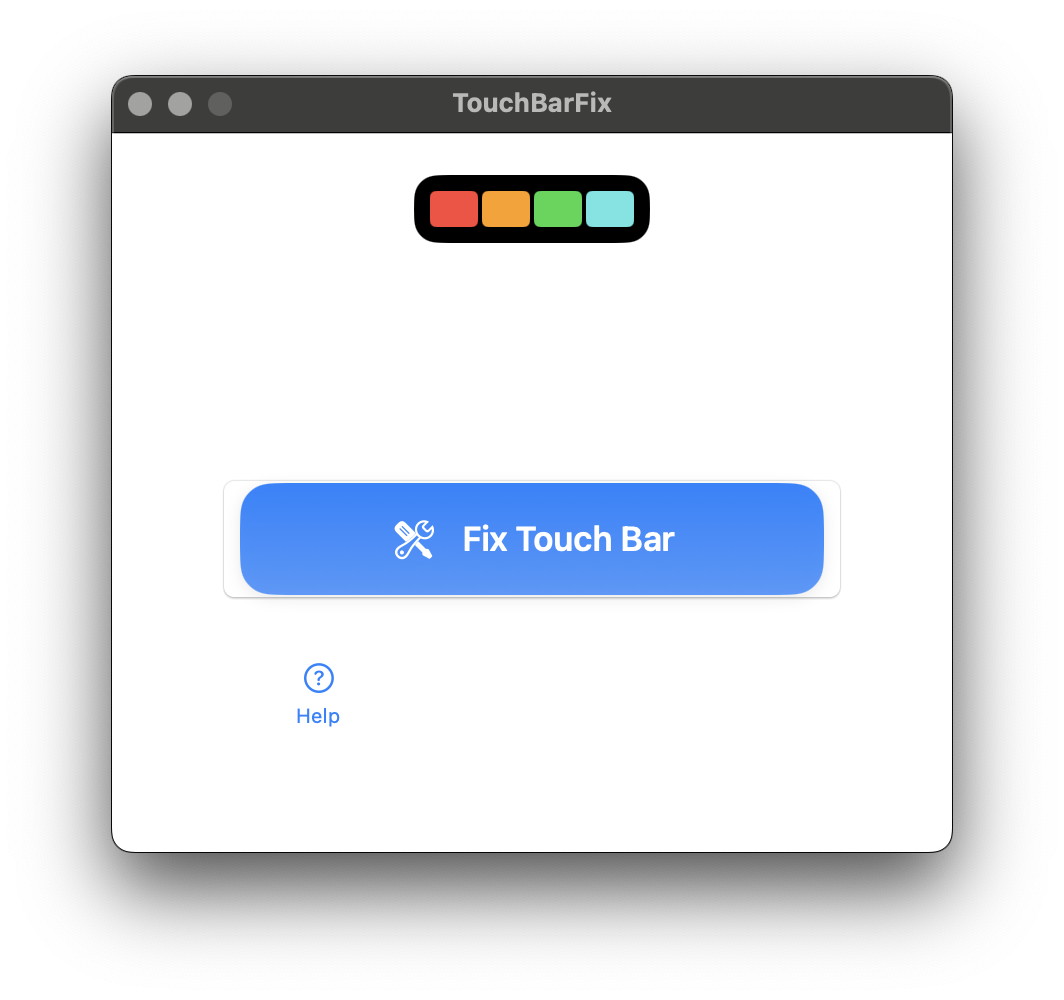
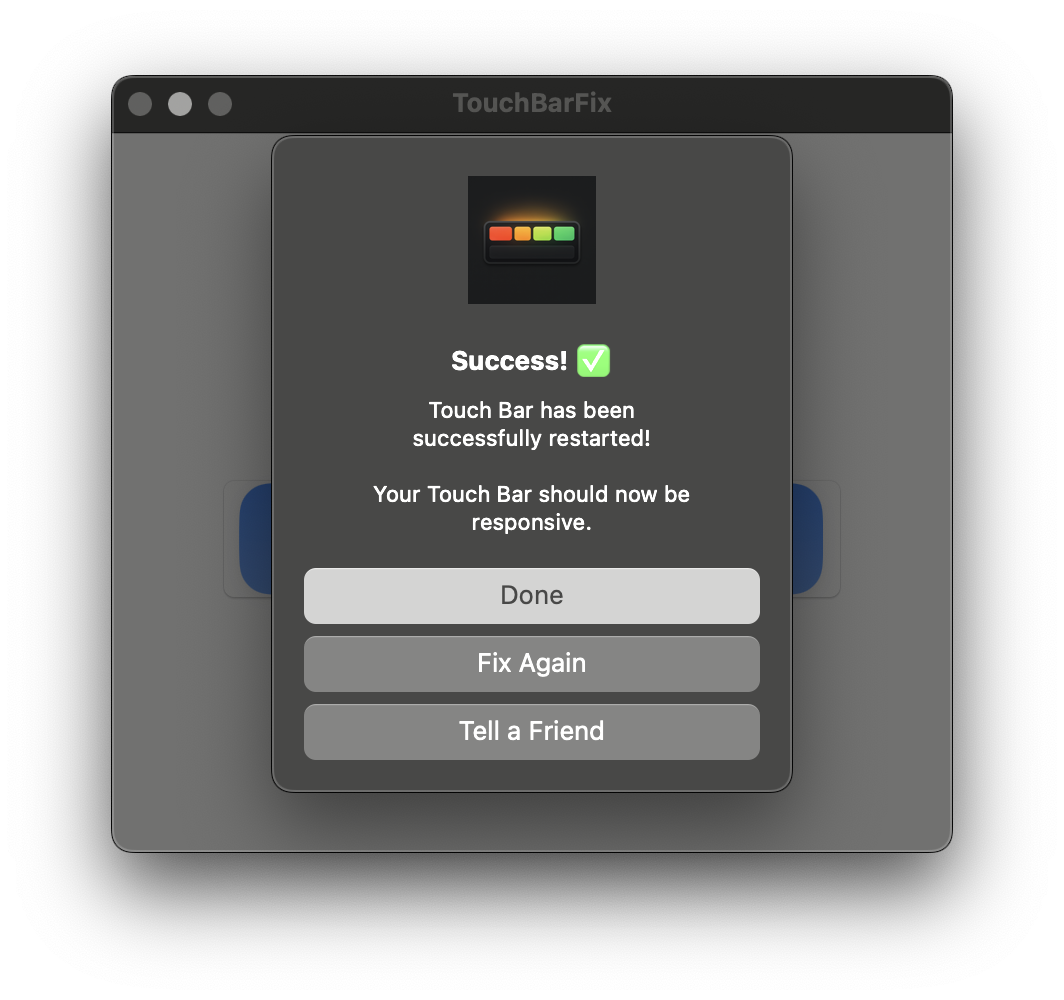
TouchBarFix typically restores Touch Bar functionality in about 30 seconds. Simply download, run the app, and click 'Fix Touch Bar'.
What macOS versions are supported?
TouchBarFix requires macOS 13.0 (Ventura) or later. It's built as a Universal Binary and works on both Intel and Apple Silicon Macs.
Is there a refund policy?
Yes, TouchBarFix comes with a 30-day money-back guarantee. If the software doesn't solve your Touch Bar issue, you can request a full refund within 30 days of purchase.
Where can I buy TouchBarFix?
You can purchase TouchBarFix directly from touchbarfix.com via Gumroad for secure payment processing.
Can TouchBarFix fix hardware problems?
No, TouchBarFix can only fix software-related Touch Bar issues. If your Touch Bar has physical damage or hardware failure, you'll need to contact Apple for repair. If the issue persists after using TouchBarFix and restarting your Mac, it's likely a hardware problem.